What is a Link in Bio, and what can it do now?
 Emma Collins13 min read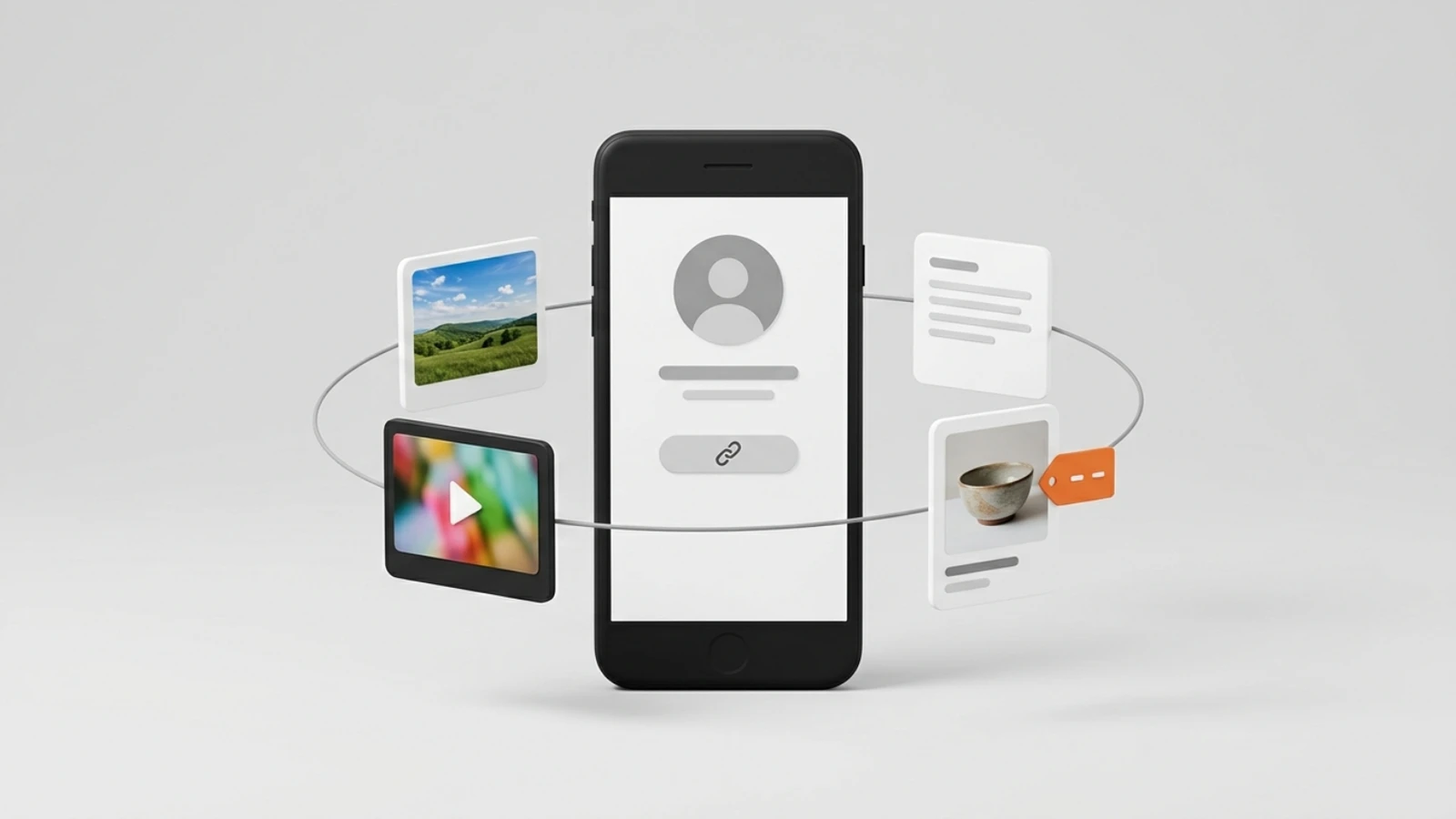
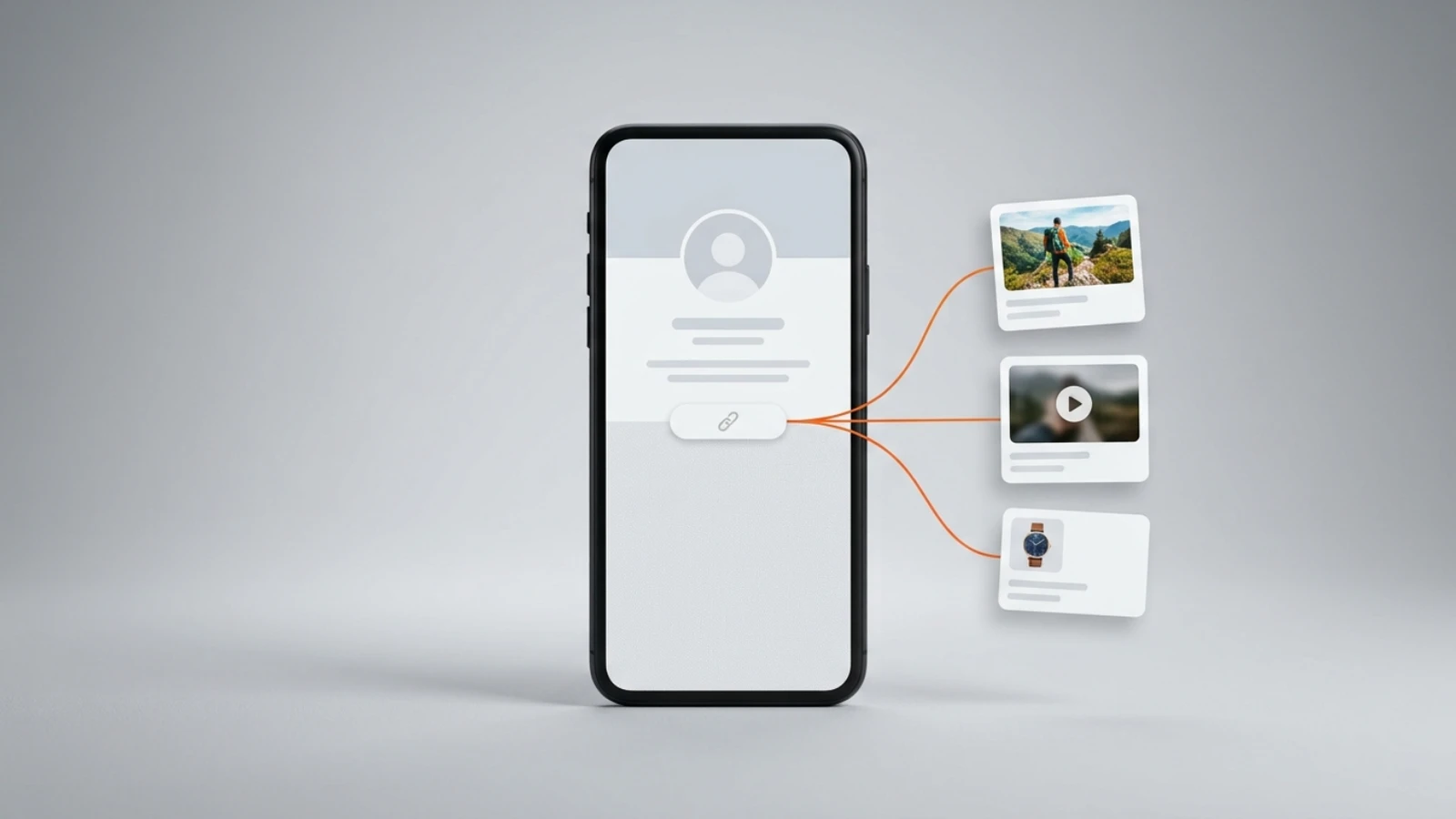
A Link in Bio is one page that sits behind the link in your social profile. A profile gives you a line of text for a website, one on TikTok and X and up to five on Instagram, and instead of changing that line every time you post, you point it at a page that holds everything: your links, your photos and videos, your notes, and, on Onlink, the things you sell. Visitors tap once and find all of it.
Taken at its simplest, a link in bio is a list of buttons. It can be that. It can also be the page where someone reads about you, watches your latest video, books a call with you and pays for it, without ever leaving the page. This guide covers what a Link in Bio is for, what one looks like, how to add yours on five networks, which options are free, and what it takes to sell from it.
What is a Link in Bio for?
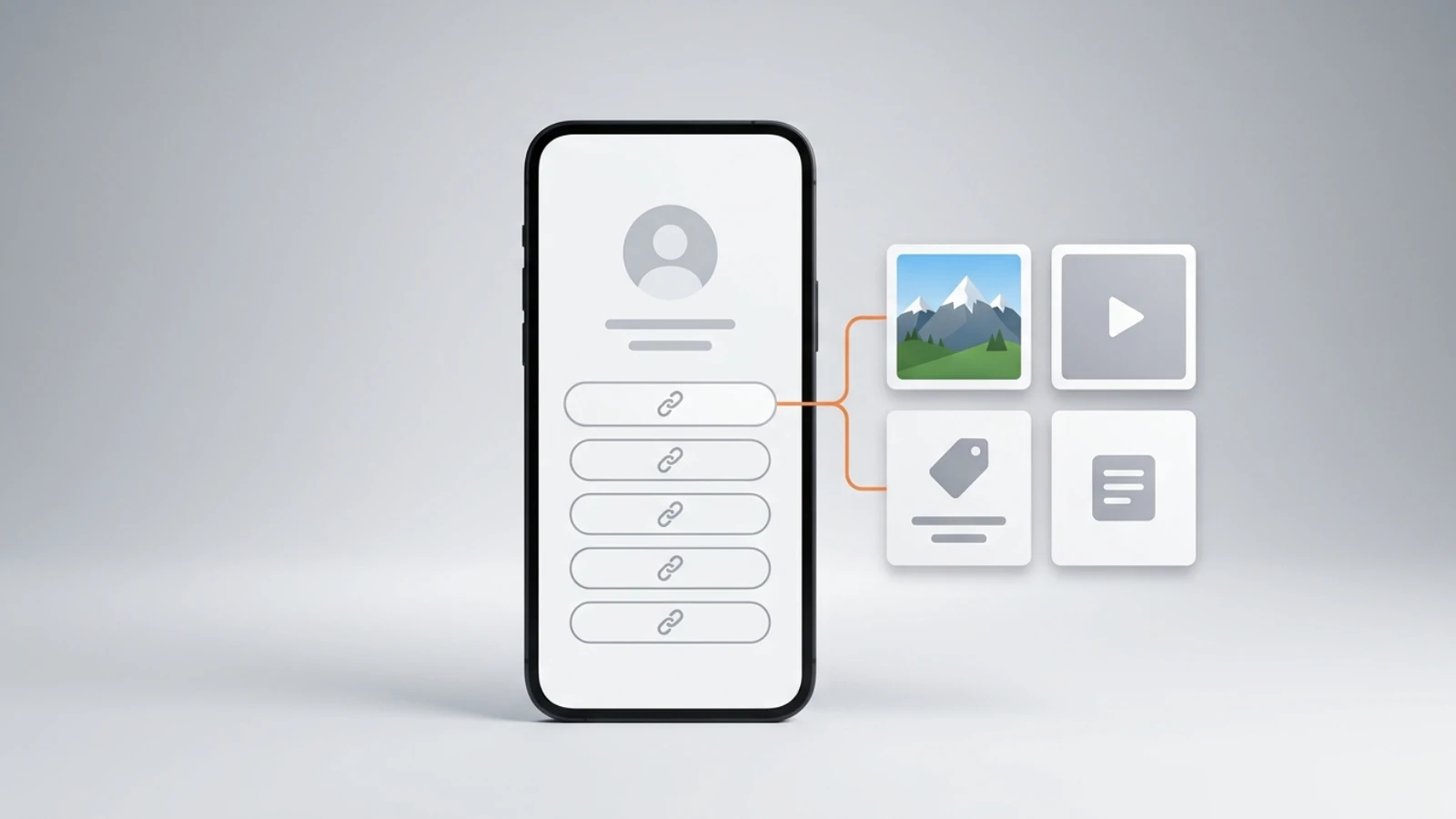
A Link in Bio turns the one link your profile allows into a page with as many destinations as you need. It exists because a profile's website field is a line of text, one on TikTok and X and up to five on Instagram, and a line of text cannot show your work, play a video or take a payment.
That is the whole job at the basic level: one address in every bio, and a page behind it that you keep improving. Everything else in this guide is about what that page can hold.
What does a Link in Bio look like?
Linktree and Lnk.Bio describe their pages as a list of links with themes on top, per their own pages read on 4 September 2026 in our comparison of link in bio tools for Instagram. On Onlink it is a grid: your name and photo on one side, and cards for links, photos, video, notes, a map and music arranged the way you want, with a separate layout for phones.
A page for a photographer might hold a photo card for the latest shoot, a YouTube card, a booking card for a session, and a link to the print shop. A coach's page might hold a course, a paid call, a free download in exchange for an email, and a note about who the coaching is for. Same page type, different cards.
How do you add a Link in Bio on Instagram, TikTok, YouTube, LinkedIn and X?
Each of the five networks below has a place for a website in the profile, and that is where your Link in Bio goes. The steps are the ones each network publishes; the only thing you type is the same address everywhere, for example on.link/yourname.
Instagram's help page, read on 6 September 2026, is titled Add a website to your Instagram profile: tap Edit profile, then Links, then Add external link, add the URL for your website and tap Done; the page allows up to five. Use the same address you use everywhere else, so you never have to update the profile again; the Instagram guide has every tap, the five-link limit and the reorder steps.
TikTok
TikTok's account-types page, read on 6 September 2026, says Verified Business Accounts can post a website link on their profile, and General TikTok Accounts can once they have at least 1,000 followers, per TikTok's support site. Once your account qualifies, add the link under Edit profile; the TikTok guide has every tap, and the route without 1,000 followers.
YouTube
YouTube's help page, read on 6 September 2026, says you can showcase up to 14 links on your channel Home tab: in YouTube Studio, select Customization, then Profile, click Add link under Links, enter the title and URL, and click Publish. The page says the first link is displayed near the subscribe button, so put your Link in Bio first.
LinkedIn's help page, read on 6 September 2026, says it has removed the hyperlink it used to allow through Creator Mode and keeps a website button for Premium Business subscribers and Sales Navigator and Recruiter customers. You can still display up to three websites under Contact info: open your profile, click Contact info, click the edit icon, click Add website, paste the address into the Website URL field, choose a website type and save.
X
On X, the website is one of the fields you edit with the profile: X's help page, read on 6 September 2026, lists name, bio, location, birth date, and website as the things you can add. Go to your profile, tap Edit profile, paste your Link in Bio address into the website field, and save.
Which Link in Bio is free?
Onlink's free plan is free with no card and no time limit, and it includes selling: every card type, unlimited links, 10 GB of media storage, and a 10% fee taken only when you make a sale, as listed on the Onlink pricing page. Paid plans lower that fee and add growth tools.
When you compare link in bio tools, or weigh the Linktree alternatives that let you sell, read three things on each pricing page: what the free tier can hold, what a sale costs you, and which features sit behind a paid plan. Here is exactly what is free and what is paid on Onlink, from the pricing page:
| What you get | Free | Pro | Premium |
|---|---|---|---|
| Your page at on.link/you | Yes | Yes | Yes |
| All card types and unlimited links | Yes | Yes | Yes |
| Sell digital products, courses and bookings | Yes | Yes | Yes |
| Accept donations | Yes | Yes | Yes |
| Media storage | 10 GB | 20 GB | 50 GB |
| Fee per sale | 10% | 7% | 0% |
| Analytics | Revenue and core stats | Full | Full |
| Audience CRM and export | No | Yes | Yes |
| Auto-updating latest YouTube video | No | Yes | Yes |
| Verified profile badge | No | No | Yes |
| Price | $0 | $12.50 a month, or $10 a month, billed annually | $37.50 a month, or $30 a month, billed annually |
The answer to "am I forced to pay anything?" is no. You pay a fee when a sale happens, and a subscription only if the lower fee or the extra tools are worth it to you. Stripe's own card-processing fee is separate and set by Stripe.
What matters more than the price?
What matters more than the price is whether the page lets you sell before you pay anything. Of the tools we compared, the lowest-risk plan is the one that charges only when a sale happens, and that is the line to read on any pricing page before the price.
In our comparison of seven free link in bio tools, read from their own pages on 5 September 2026, six print a free plan with no end date and four print selling on it, so the differences begin at the first sale: the fee, what the page delivers, and where the money lands. On Onlink the free plan takes the payment at 10%, delivers the file, the course or the meeting link, and pays your own Stripe account.
In numbers, from the Onlink pricing page: on a $20 sale you keep $18 on Free, $18.60 on Pro and $20 on Premium, before Stripe's processing fee, and nothing at all is charged in a month with no sale. The subscription is a decision for later, once you know what you sell and how much.
Can people see who clicked your Link in Bio?
A Link in Bio page can count how many people clicked each card; it cannot tell you who they were. On Onlink, every plan shows page views, card clicks, sales and revenue with a daily chart, and public pages are served without cookies and without third-party trackers, so there is no list of names to show.
Paid plans add the breakdown: which card earned the clicks, where visitors came from, and which countries. That is enough to know what is working without tracking individuals.
Can you sell from a Link in Bio?
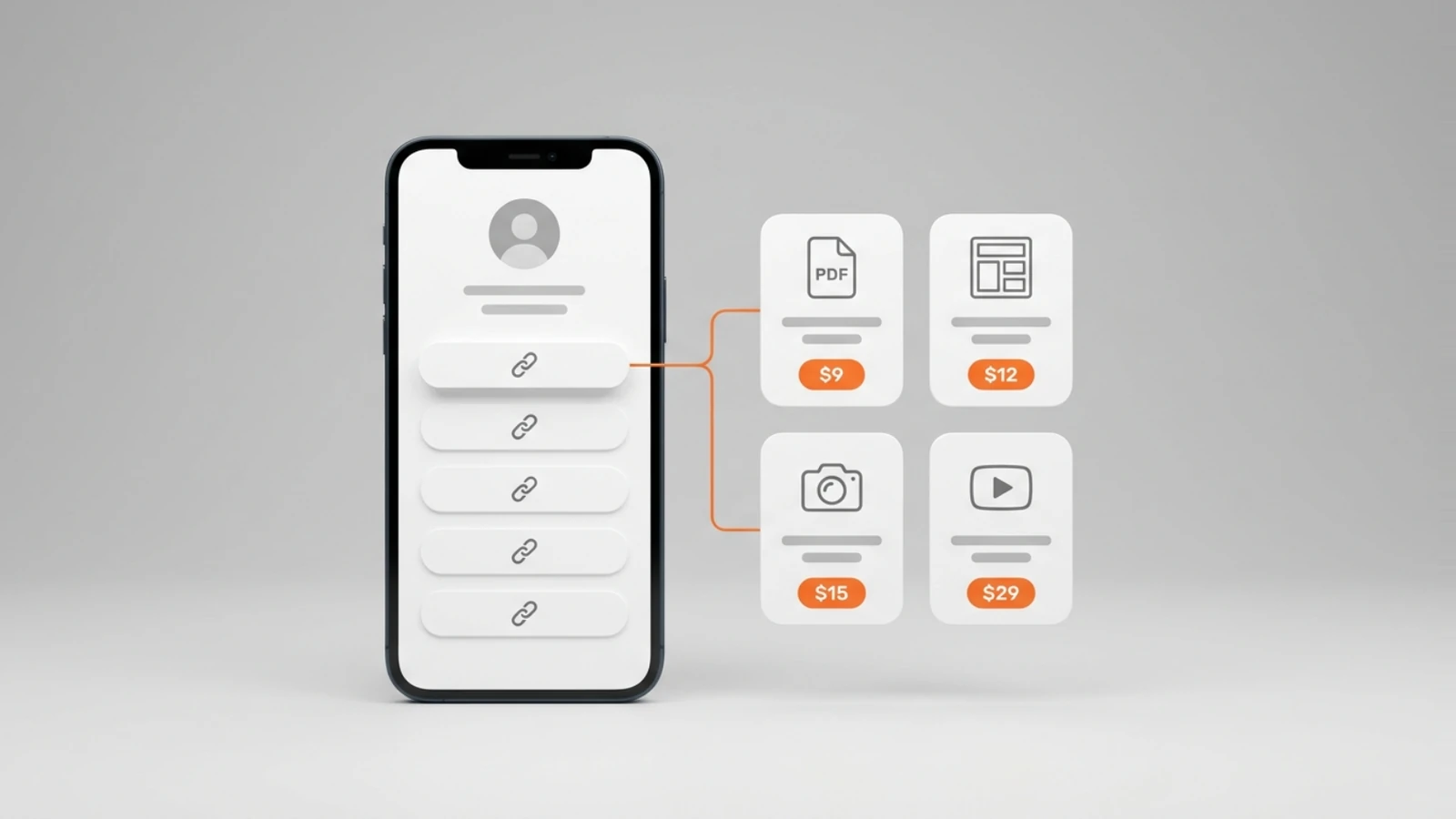
Yes: on Onlink you can sell digital products, online courses and paid calls, and accept donations and tips, all as cards on the same page, with checkout handled by Stripe. The money is paid into your own Stripe account, and Onlink never holds it.
Here is the part that matters most to us, and the reason we built Onlink the way we did: the page can be far bigger than a list of links. Beyond sharing links, photos, videos and notes, you can sell your products directly from the same place, with a Stripe checkout doing the payment work. A creator in Brazil can sell to the whole world: Stripe lists Brazil among the countries it operates in, and its availability page, which printed its Portuguese edition to our browser on 6 September 2026, says that once it operates in your country you can sell to customers anywhere. And you are never a hostage to the platform: the money goes straight to your account, not to a balance you have to ask for.
You do not write code and you do not build a checkout. You add a card, set a price, and connect your Stripe account. Buyers pay, get an email with what they bought, and can come back to it in their library on Onlink for as long as you keep it on sale, and for 30 days with a countdown if you remove it; everything you sell is stored on Onlink, so there is nothing to host elsewhere.
Should your Link in Bio be a showcase or an income source?
It can be either, or both, on the same page. Start with what you want a visitor to do in the first five seconds: look at your work, or buy something.
As a showcase, the page holds what you create and share: photo cards with your work, video, YouTube and music cards, notes for the things a bio is too short for, a map if you have a place, and links pointing where you want people to go. Think of it as the design showcase for everything you make.
As an income source, the same grid takes paid cards: a digital product delivered as files, a course with lessons, a paid call with a Google Meet link, a donation or tip card. Add a free download in exchange for an email, and the page also grows the list you will sell to next. There is a third way the page can bring a reward that has nothing to do with selling: a one-time reward of up to $60 when someone who signed up through your page subscribes to a paid plan, confirmed 30 days after the sale, once no refund can reverse it.
| If you want visitors to… | Put on the page |
|---|---|
| Look at your work | Photo cards, each an image or a video, plus YouTube and Spotify cards |
| Read more than a bio holds | A note card |
| Find you | A location card, with a map |
| Buy a file | A digital product card, delivered as files |
| Take a course | A course card with lessons and hosted video |
| Book and pay for a call | A booking card with a Google Meet link |
| Support you | A donation card, for donations and tips |
| Leave an email | A lead magnet card: a free download in exchange for an email |
Is a Link in Bio still a thing?
Yes: TikTok and X still give a profile one website field, and Instagram up to five, each an address and nothing else, so the page behind that link is still how people find everything else you do. What changed is what the page can do: it used to hold links, and now it can host your media and take payments.
If your page today is a list of buttons, that is fine. If you sell anything, or want to, the page you already have is the storefront, and on the free plan it costs nothing until a sale happens.
Which Link in Bio should you pick?
Onlink's free plan if the page has to show your work or sell anything, because both are on it at $0; no tool at all if everything you do lives at one address. The table takes the cases one at a time, and the comparisons linked under it hold the other tools' own numbers, each read on its date.
| If you… | Pick |
|---|---|
| Want links, photos and video on one page at $0 | Onlink Free |
| Want to sell a file, a course or a paid call before you pay anything | Onlink Free, 10% a sale |
| Sell enough for the fee to matter | Onlink Pro at 7%, or Premium at 0% |
| Have one link and nothing to show or sell | No tool: put that address in the profile |
| Want a list of buttons and nothing more | Any of the six free plans in our comparison of free link in bio tools, Onlink Free among them |
| Want your own domain, or to ship physical products | Not Onlink, on any plan; the comparisons name the tools whose pages print them |
The other tools' plans, fees and free tiers are in our comparison of free link in bio tools and the best link in bio tools compared, each number read from the tool's own page on the date the article states.
Frequently asked questions
What does "link in bio" mean?
It means "the page behind the link in my profile". When a creator says "link in bio", they are pointing you to that one page, where the thing they mentioned lives.
Is a Link in Bio free on Onlink?
Yes. The free plan includes your page, every card type, unlimited links, 10 GB of storage and selling with a 10% fee per sale. No card is asked for, and there is no time limit.
Can I sell without a website?
Yes. Your Link in Bio page is the website: add a product, course, call or donation card, connect your Stripe account, and the page checks out and delivers for you.
Where does the money go when someone buys?
Into your own Stripe account, through Stripe Connect. Onlink's fee is taken from the charge; the rest settles with Stripe on the payout schedule for your country.
Do I need a link in bio tool if I only have one link?
No. If everything you do lives at one address, put that address in your profile. The page earns its place when you have more than one thing to show, or something to sell.
Emma writes the Onlink guides: what a Link in Bio page can hold and sell, checked against the product and its pricing page.