How to put a link in your TikTok bio
 Emma Collins9 min read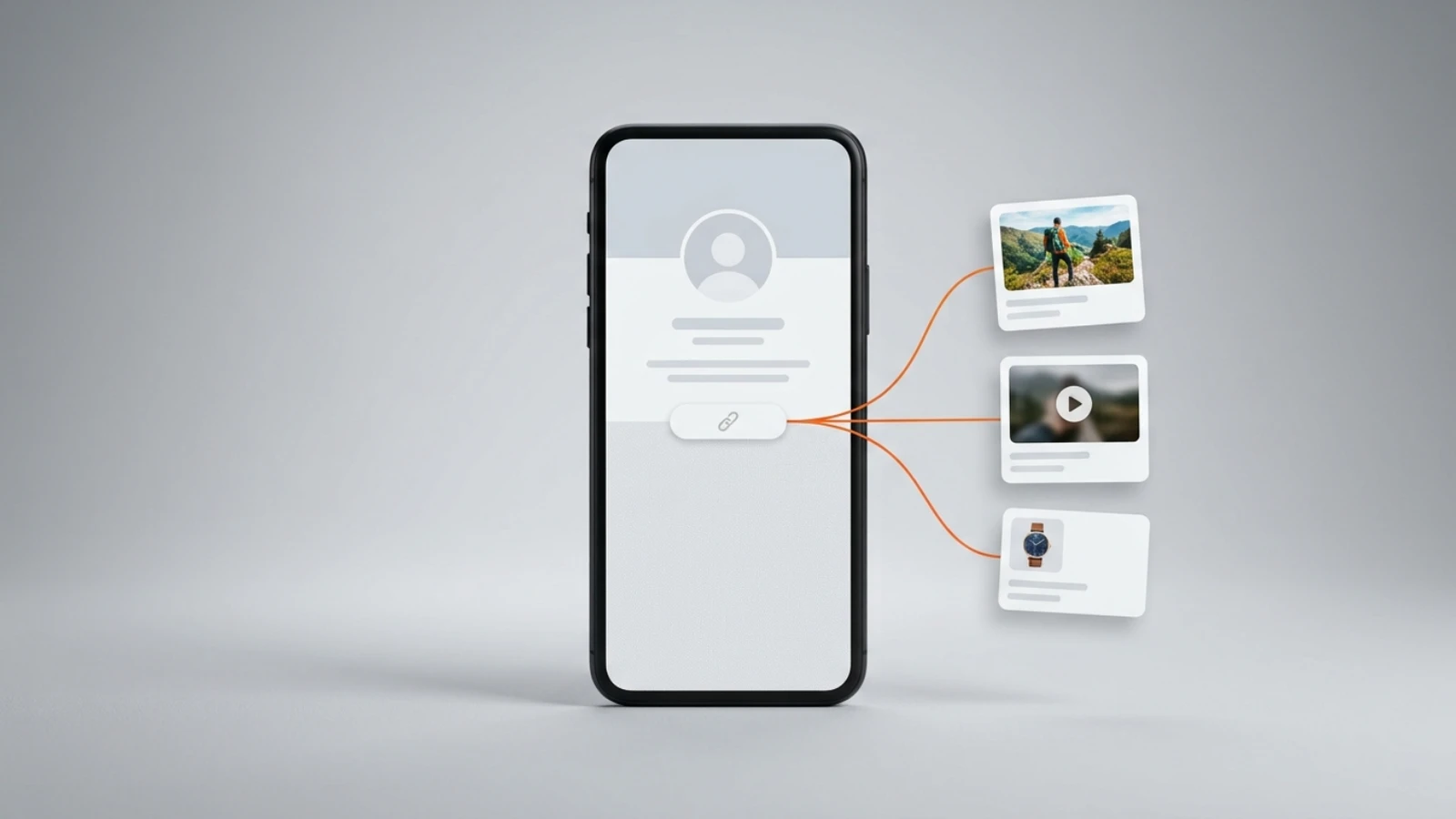
To put a link in your TikTok bio you need one of two things: at least 1,000 followers, or a Verified Business Account. With either, the link takes four steps: Profile, Edit profile, Add next to Links, then follow the steps. Every TikTok fact below is read from TikTok's own help page on 4 September 2026 and again on 6 September 2026, when it had not changed, and from its account types page, including the route without 1,000 followers; the last part, what the link should point to, is ours.
Who can put a link in their TikTok bio?
Anyone with at least 1,000 followers, or a Verified Business Account. TikTok's page on adding a website link to your profile, read on 4 September 2026, opens with exactly that: "You can add a link to a website on your TikTok profile if you have at least 1,000 followers, or if you have a Verified Business Account."
TikTok's account types page says the same twice, once per account: "General TikTok Accounts with at least 1,000 followers can post a website link on their profile" and "Verified Business Accounts can post a website link on their profile to promote a website." A General TikTok Account is what most people have; the page also calls it a Personal Account. Verifying a business is a separate process from the verified badge, and the page says so.
When someone taps the link, TikTok's in-app browser opens the page, and TikTok says its safety measures may show a prompt to open the page in the device's own browser instead. Its advice to creators is one line: "We recommend that creators add direct links so people can access the intended site in just a few steps." That line decides what the link should point to, and the section on that comes back to it.
How do you add a link to your TikTok bio?
Four steps in the app: Profile, Edit profile, Add next to Links, then the steps TikTok shows. The steps as TikTok prints them on 4 September 2026:
- In the TikTok app, tap Profile at the bottom.
- Tap Edit profile.
- Next to Links, tap Add.
- Follow the steps to link your website.
TikTok's own page stops at step four and does not describe the screen that follows, so what it asks for is the app's to show. Two things the same page adds. Links that open or log you into another social media app are no longer supported, but a link to that platform's website still is, so a profile on another network goes in as its web address. And where it is available, TikTok also lets you add a Lemon8 account to the profile.
How do you check that the link works, and change it later?
Open your own profile in the app and tap the link, and TikTok's in-app browser should open the page; TikTok's page prints only the steps that add a link, none for changing it, and the Links field it names sits under Edit profile. If a prompt offers to open the page in your phone's browser instead, that is the safety measure TikTok describes on its page, not a broken link.
Two habits keep the link healthy. Test it after every change from the app, because the in-app browser is what your viewers get. And keep the address itself stable: if the page behind it changes, change the page, not the link, so a saved profile link, a pinned comment or a video caption that quotes it keeps working.
How do you add a link to your TikTok bio without 1,000 followers?
By switching to a Verified Business Account, the other route TikTok's page names for the profile link. The switch is in the app: Profile, the Menu button at the top, Settings and privacy, Account, then Business verification, per the account types page read on 4 September 2026.
- In the TikTok app, tap Profile at the bottom.
- Tap the Menu button at the top, then select Settings and privacy.
- Tap Account.
- Tap Business verification, then follow the steps to switch your account type.
Read the small print before you switch, because the page prints three costs, in three places. Verification asks for business information and documents, which the page says vary by location; a Verified Business Account does not have access to the general music library, "as these songs aren't cleared for commercial use", and uses the Commercial Music Library instead; and TikTok advises against switching back and forth, because the verification is not saved, and recommends two separate accounts if you post personal content too.
Without a business and under 1,000 followers, TikTok's pages name no other route to the profile link. The account types page does mention organic conversion anchors, links attached to posts or the profile, for accounts with Advanced Access or a Verified Business Account, and sends readers to its Business Help Center for those; and it says nothing about text typed into the bio.
Why can't you put a link in your TikTok bio?
Because the account has fewer than 1,000 followers and is not a Verified Business Account, the two conditions TikTok's page prints. If you think you qualify and the link still fails, three things on TikTok's pages can explain it.
- The business was never verified. TikTok's page says an account that does not verify its business may be converted back to a General TikTok Account, and that it may then restrict the business features; its route back is the Verify prompt on the profile, then the business information and documents, and it says verification "may take up to 5 business days".
- The link opens another social app. TikTok no longer supports links that open or log you into other social media apps; put the platform's web address instead.
- The link opens with a prompt to leave the app. That is not a failure: TikTok limits how people can browse external link chains inside its browser, applies that to all accounts, and recommends direct links, so put the address of the page itself.
What should the link in your TikTok bio point to?
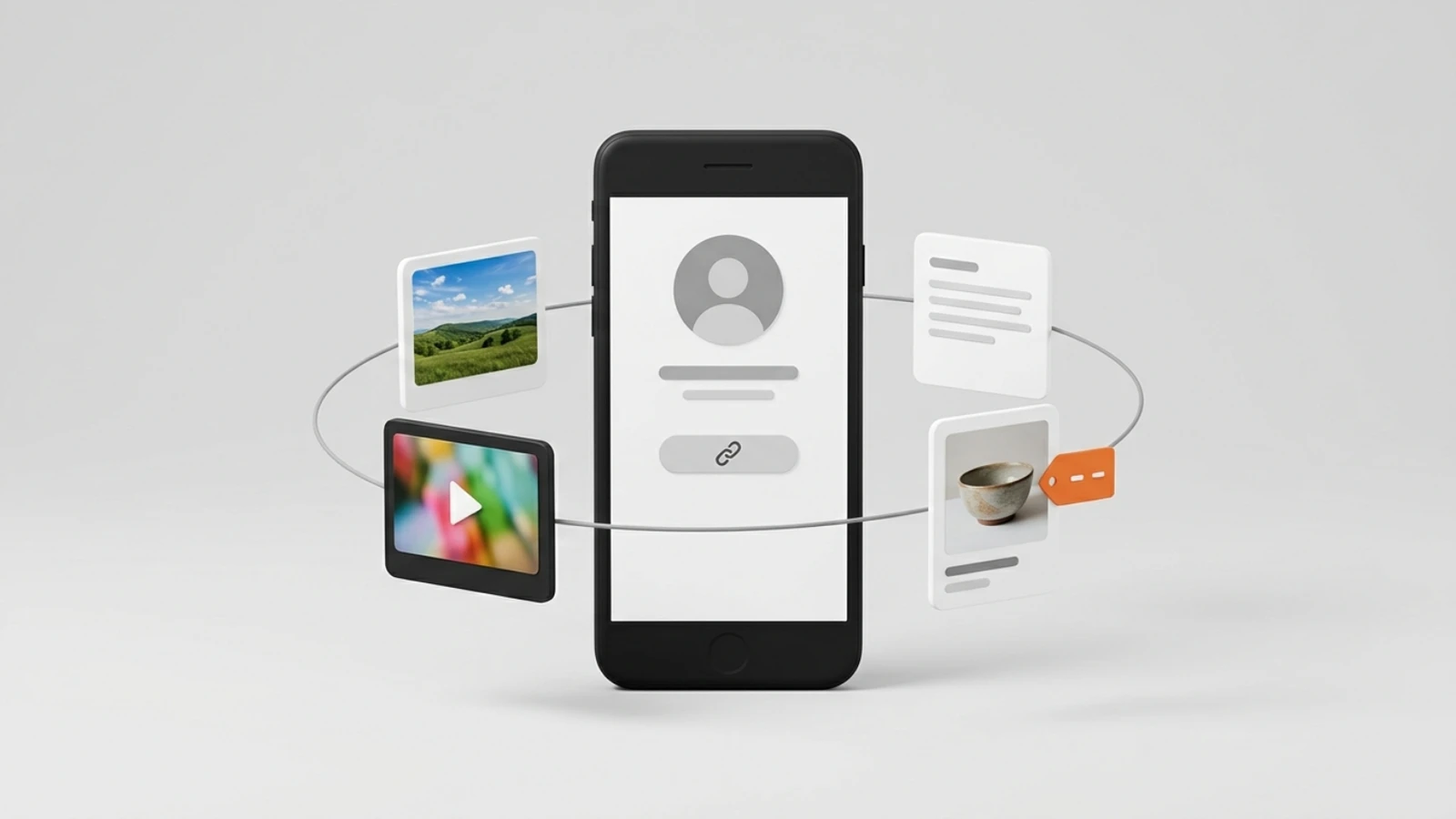
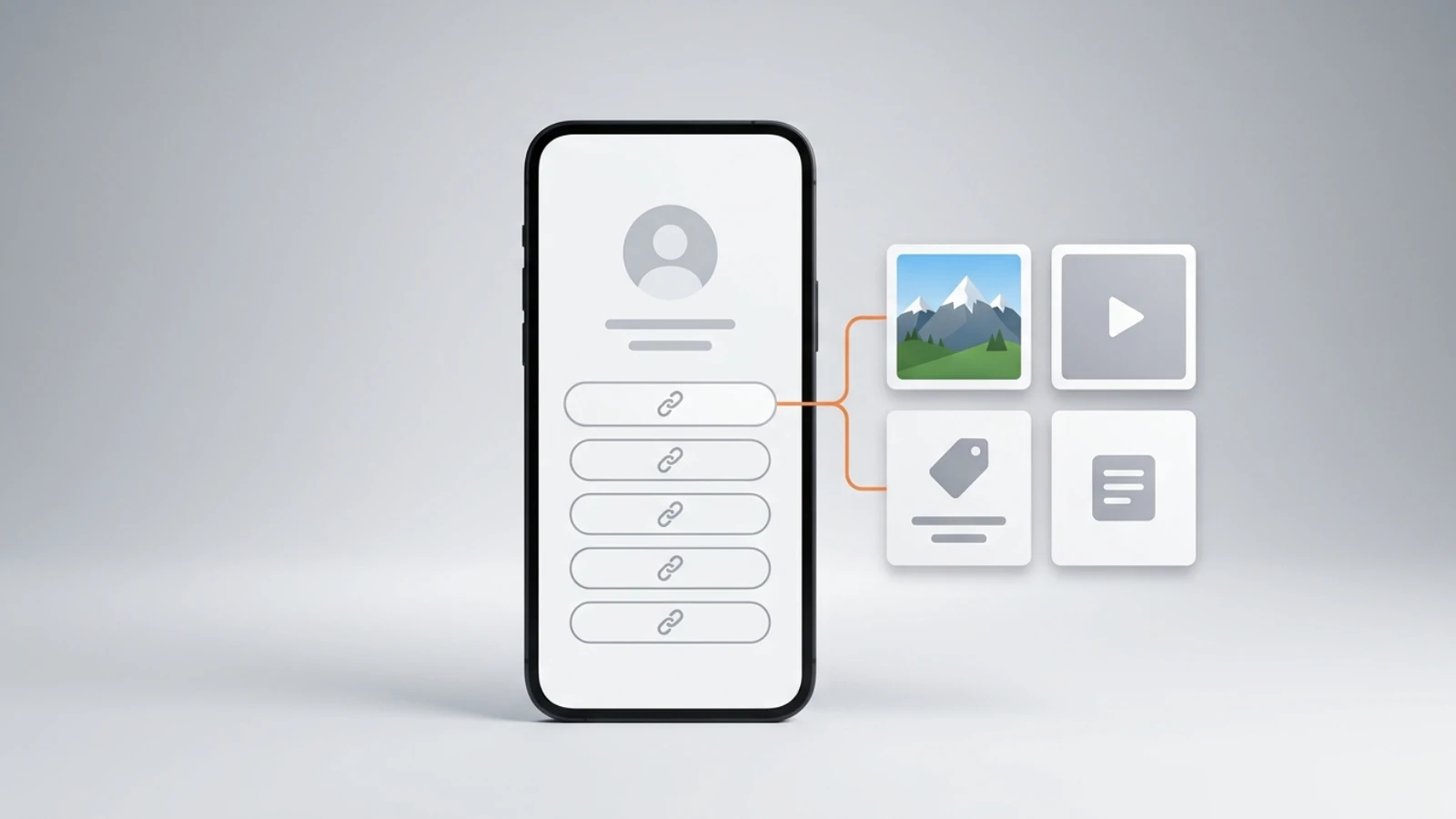
One page that holds everything a viewer might want from you: your other profiles, your photos and videos, and anything you sell, each one tap away. TikTok recommends direct links so people reach the intended site in a few steps, so the page behind yours should itself be the site, with your work and what you sell on it, rather than a redirect to somewhere else.
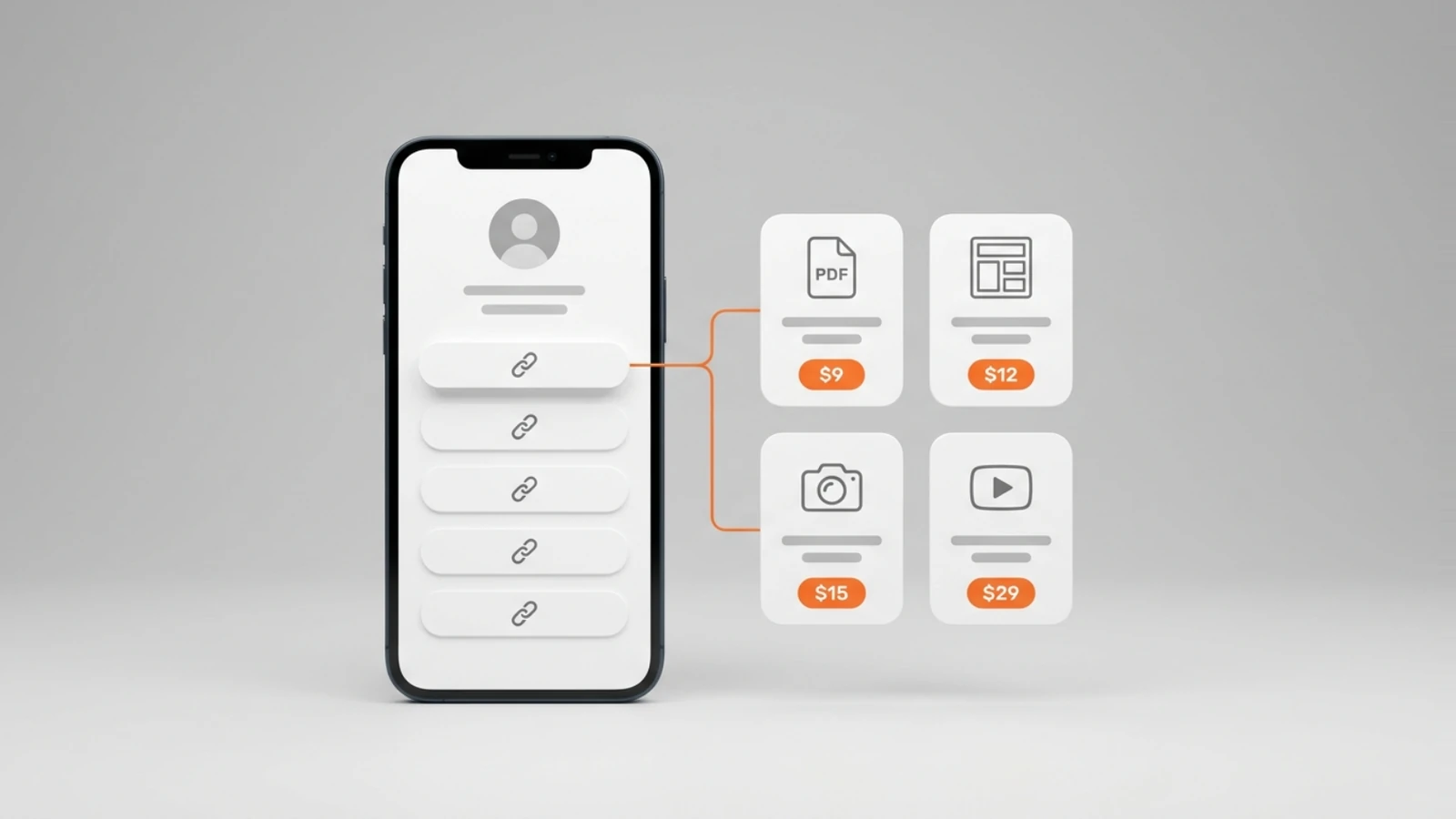
That is what a link in bio page is for, and our guide to what a link in bio can do covers the whole category. On Onlink, pick a handle and the page exists at on.link/yourname, with no code and no setup. The free plan holds links without limit, photo cards with images or video, Spotify and YouTube cards, an Instagram card that shows your posts or reels, notes and a map, and it sells digital products, courses, paid calls, donations and tips from the same page, with 10 GB of media. Each sale is paid into your own Stripe account through Stripe Connect, and Onlink's only charge is 10% of it, taken at the moment of payment; Stripe's processing fee applies separately. No card and no time limit; the numbers are on the pricing page.
A worked example, for a creator who posts short videos and sells one thing. The TikTok link points to their Onlink page. The page holds a YouTube card for the long version of a video, a Spotify card, two photo cards, a note with the posting schedule, a card for the one digital product, a booking card for a paid call, and a donation card for tips. Every one of those is on the free plan; once the creator's Stripe account is connected, and a calendar for the booking card, which needs one before it can be saved, the product, the call and the tips each pay into that Stripe account when someone buys, and nothing is charged until then. Change the product next month and the TikTok link stays the same.
The page has its own phone layout, which is where a viewer tapping from the TikTok app arrives, so the first tap from TikTok lands on a page built for that screen.
How do you put an Instagram link in your TikTok bio?
Add the web address of your Instagram profile, the one a browser shows when you open it, in the Links field. A profile address is a link to that platform's website, which TikTok's page still supports, where a link that opens the Instagram app is not; the page names no platform, so the same line covers any network's website.
If Instagram is one of several places you want a viewer to reach, put your Onlink page in the TikTok field and an Instagram card on it, next to YouTube, Spotify and whatever you sell. The other direction, putting a link in the Instagram bio itself, is in our Instagram guide. One address in TikTok's Links field, every destination one tap further.
Frequently asked questions
Do you need 1,000 followers to add a link on TikTok?
Not if you have a Verified Business Account; otherwise yes. TikTok's page, read on 4 September 2026, names those two routes for the profile link.
Is the link in a TikTok bio clickable?
Yes, the link in the profile's Links field: TikTok's page says that when you tap a link on someone's profile, its in-app browser opens the page, and that a safety prompt may offer to open it in the device's browser instead. Text typed into the bio is not covered by the page.
Can I add the link to my TikTok bio from a computer?
The steps TikTok prints are for the app: Profile, Edit profile, Add next to Links. The page we read does not describe the website, so add it in the app to be sure.
Does a link in bio for TikTok cost anything?
An Onlink page is free, with no card and no time limit. Onlink's only charge is 10% of a sale when you make one, and Stripe's processing fee applies separately.
Where do you get a link in bio?
From a link in bio tool: you create a page, it gets an address, and that address goes in TikTok's Links field. On Onlink the address is on.link followed by the handle you pick.
Emma writes the Onlink guides: what a Link in Bio page can hold and sell, checked against the product and its pricing page.