How to put a link in your Instagram bio
 Emma Collins9 min read
How to put a link in your Instagram bio, in one line: open the app, go to your profile, tap Edit profile, tap Links, tap Add external link to add the URL for your website, tap Done, then tap Back. Instagram's help page, read on 4 September 2026 and again on 6 September 2026, when it had not changed, prints those steps when it is opened on a phone, says you can add up to five websites, and, opened on a computer, says the feature is not available there. The Instagram steps and limits below come from that page; the rest is ours.
Who can put a link in their Instagram bio?
Anyone the page addresses, on the app: it prints no follower count and no account type next to the steps, only a limit, "You can add up to 5 websites to your Instagram profile". Its note adds that "anyone, on or off Instagram, can see your websites".
That is the difference from TikTok, where the profile link waits for 1,000 followers or a Verified Business Account, per TikTok's help page read on 4 September 2026 and our TikTok guide. Instagram's page prints no such gate, and the page the link points to is what you decide.
That note matters more than it looks. If anyone, on or off Instagram, can see your websites, the page behind them has to work for a stranger on the first tap: no login, no app to install, nothing that only a follower can open.
How do you add a link to your Instagram bio?
Five steps in the app, in the order Instagram prints them under "Add websites to your profile": Profile, Edit profile, Links and Add external link, Done, then Back. The list below is Instagram's own lines, read on 4 September 2026.
- Tap Profile or your profile picture in the bottom right to go to your profile.
- Tap Edit profile at the top of the screen.
- Tap Links, then tap Add external link to add the URL for your website.
- Tap Done. Note that you can remove a link, by tapping on the link and tapping Remove link.
- Tap Back.
How do you check that the link works, and change it later?
Open your profile in the app and tap the link, and the page behind it should open. To change it later, go back to Edit profile, then Links, and use the steps Instagram prints: tap the link and then Remove link to take it off, Add external link for the new address, or Reorder links to move it.
One habit keeps the links useful: keep the first slot stable. If what you offer changes, change the page behind the address, not the address, so a saved profile link, a caption or a story that quoted it keeps working.
How do you add more than one link, and change their order?
The page prints a limit of five websites, lists "How do I add multiple websites?" as a question of its own, and prints how to reorder them from the same Links screen under "Reorder websites in your profile". The list below is Instagram's own lines for the order, read on 4 September 2026.
- Tap Profile or your profile picture in the bottom right to go to your profile.
- Tap Edit profile at the top of the screen, then tap Links.
- Tap Options, then tap Reorder links.
- Tap and hold a link to drag it up or down the list.
- Tap Done, then tap Back.
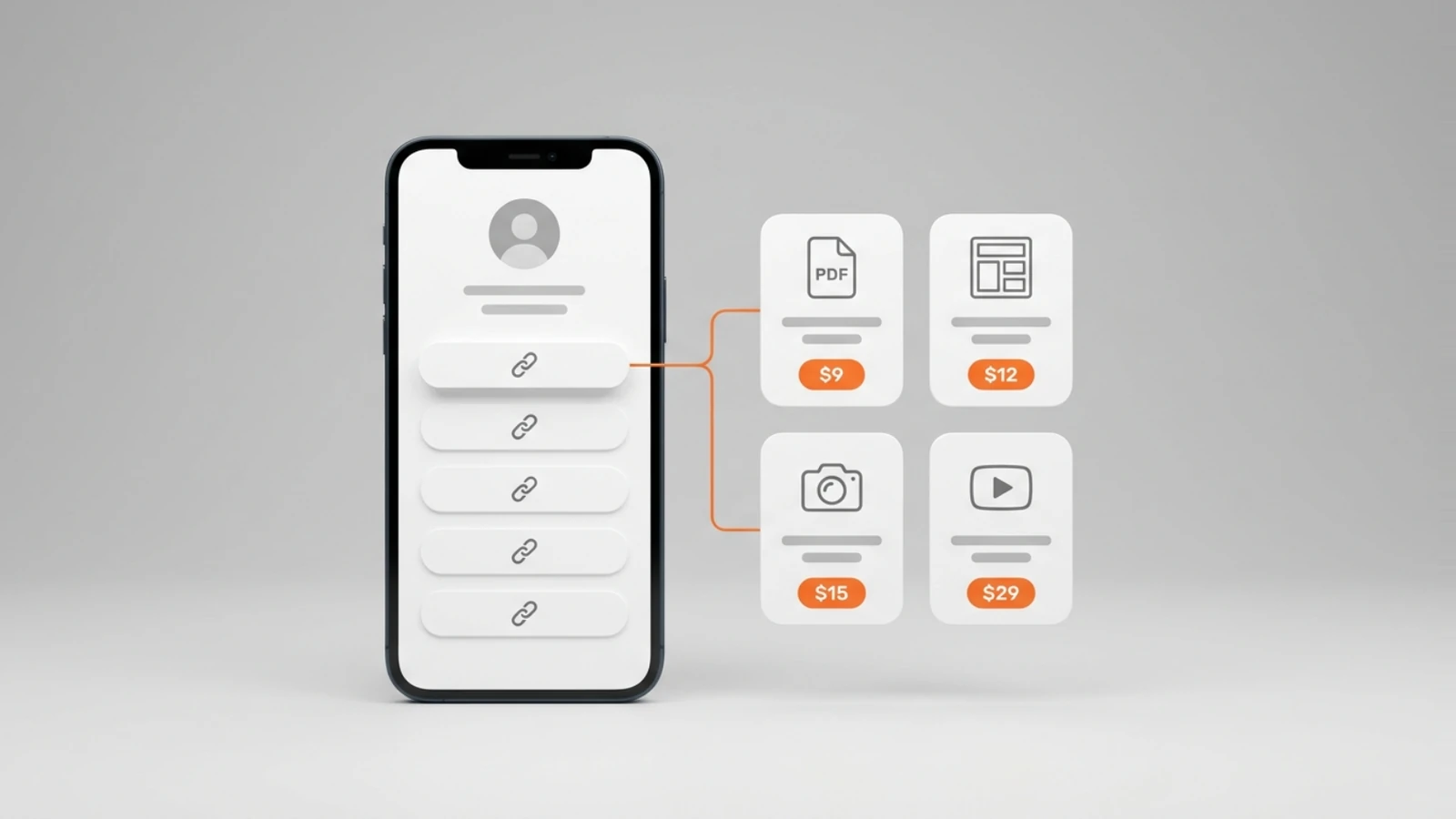
Five slots sound like a lot until you count what you share: a channel, a shop, a newsletter, a podcast, a booking page and the latest thing you made is six. The section on what the links should point to comes back to this, because the answer is not five links but one page that holds them all.
Can you add the link to your Instagram bio from a computer?
Not by Instagram's own steps: when its help page is opened on a computer, it says "This feature isn't available on computers, but it is available on these devices", and asks you to pick Android App Help or iPhone App Help instead. Add the link in the app on your phone, then check it on any device you like.
The page prints its steps in its phone version and, in its computer version, only the two app-help choices, so there is no desktop route for it to print. If you write on a desktop, keep the link's address in a note, add it once from the phone, and change what the page behind it holds from wherever you are.
Why can't you add a link to your Instagram bio?
Instagram's page gives one reason outright, that you are on a computer, and one ceiling, five websites, from which a sixth being refused is our inference rather than a case the page describes. An address typed into the bio text is not covered by that page at all; the place it describes for a website is the Links screen under Edit profile.
- You are on a computer. The page says the feature is not available there; open the app on your phone.
- You already have five, the ceiling the page prints as "up to 5 websites"; remove one by tapping it and then Remove link.
- You typed the address into the bio text instead of Links. Instagram's page puts websites in the Links screen and lists "Add a bio to your Instagram profile" as a separate article; the page we read does not say the bio text opens anything.
What should the link in your Instagram bio point to?
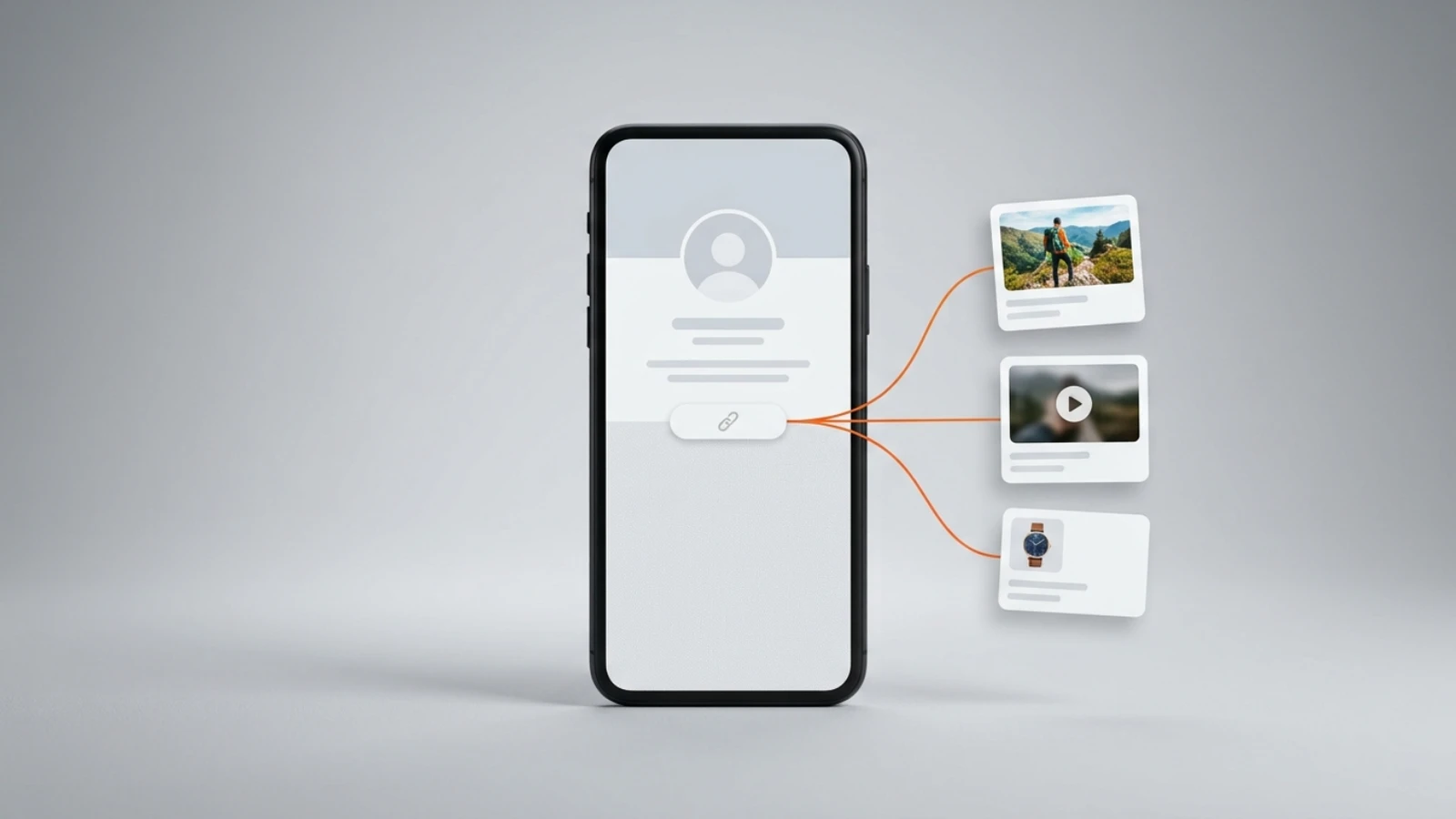
One page that holds everything you want a visitor to reach: your videos and photos, your other profiles, and anything you sell, each one tap away. Five bio links send people five places; one page shows the work itself and can change whenever you like without touching the profile.
That page is what a link in bio tool makes; our guide to what a link in bio can do covers the category and our comparison of link in bio tools for Instagram puts six of them side by side. Here is how it fits the five Instagram slots. On Onlink you pick a handle and the page exists at on.link/yourname, so the first slot is filled the same day and never changes again. The other four slots can stay empty, because the page already holds the things people would put there: the photos and videos themselves, as cards, not links; Spotify and YouTube cards (the auto-updating channel card is on Pro and Premium); an Instagram card that shows your posts or reels; notes; a map; and the paid cards, for digital products, courses, paid calls, donations and tips, all on the free plan with 10 GB of media. Each sale is paid into your own Stripe account through Stripe Connect, and Onlink's only charge is 10% of it, taken at the moment of payment; Stripe's processing fee applies separately. No card and no time limit; the numbers are on the pricing page.
Take a photographer who sells prints and books shoots. Slot one holds their Onlink page; slots two to five stay empty. On the page: a grid of photo cards from the last month, a YouTube card with the behind-the-scenes video, a note with the next open dates, a digital product card for the print files, a booking card for a shoot consultation, and a donation card for tips. When the prints sell out, the product card comes off the page and the Instagram profile is not touched; when a new series is ready, the photo cards change and the address stays. Once their Stripe account is connected, the prints, the calls and the tips pay into it when someone buys, and nothing is charged before that; the booking card also needs a calendar connected before it can be saved.
The page has its own phone layout, which is where a visitor tapping from the Instagram app arrives, so the first tap from the profile lands on a page built for that screen. If you do keep other links in the remaining slots, put the page first: Instagram's reorder steps above let you drag it to the top.
Frequently asked questions
Do you need a certain number of followers to add a link on Instagram?
No. Instagram's help page, read on 4 September 2026, prints no follower requirement next to the steps for adding a website, only the limit of five websites and the note that anyone can see them.
How many links can you put in an Instagram bio?
Five. Instagram's page says you can add up to 5 websites to your profile, and the same Links screen lets you remove one or reorder them.
Can I add a link to my Instagram bio on a PC?
Not by the steps Instagram prints. Its help page, opened on a computer, says the feature is not available on computers and asks you to pick Android App Help or iPhone App Help. Add it from the app, then check it anywhere.
Can I put my TikTok in my Instagram bio?
Yes, as a web address. Instagram's page describes adding "the URL for your website" and prints no restriction on which sites, and the address of your TikTok profile is a URL like any other. If TikTok is one of several places, put your Onlink page in the first slot and a link card to your TikTok profile on it.
Does a link in bio for Instagram cost anything?
No. The Links screen is part of the Instagram app, and the Onlink page it points to is on a free plan with no card and no time limit; the one charge is 10% of a sale, taken when you make one, with Stripe's processing fee separate.
Emma writes the Onlink guides: what a Link in Bio page can hold and sell, checked against the product and its pricing page.