How to sell digital products online, from one link in your bio
 Ethan Parker12 min read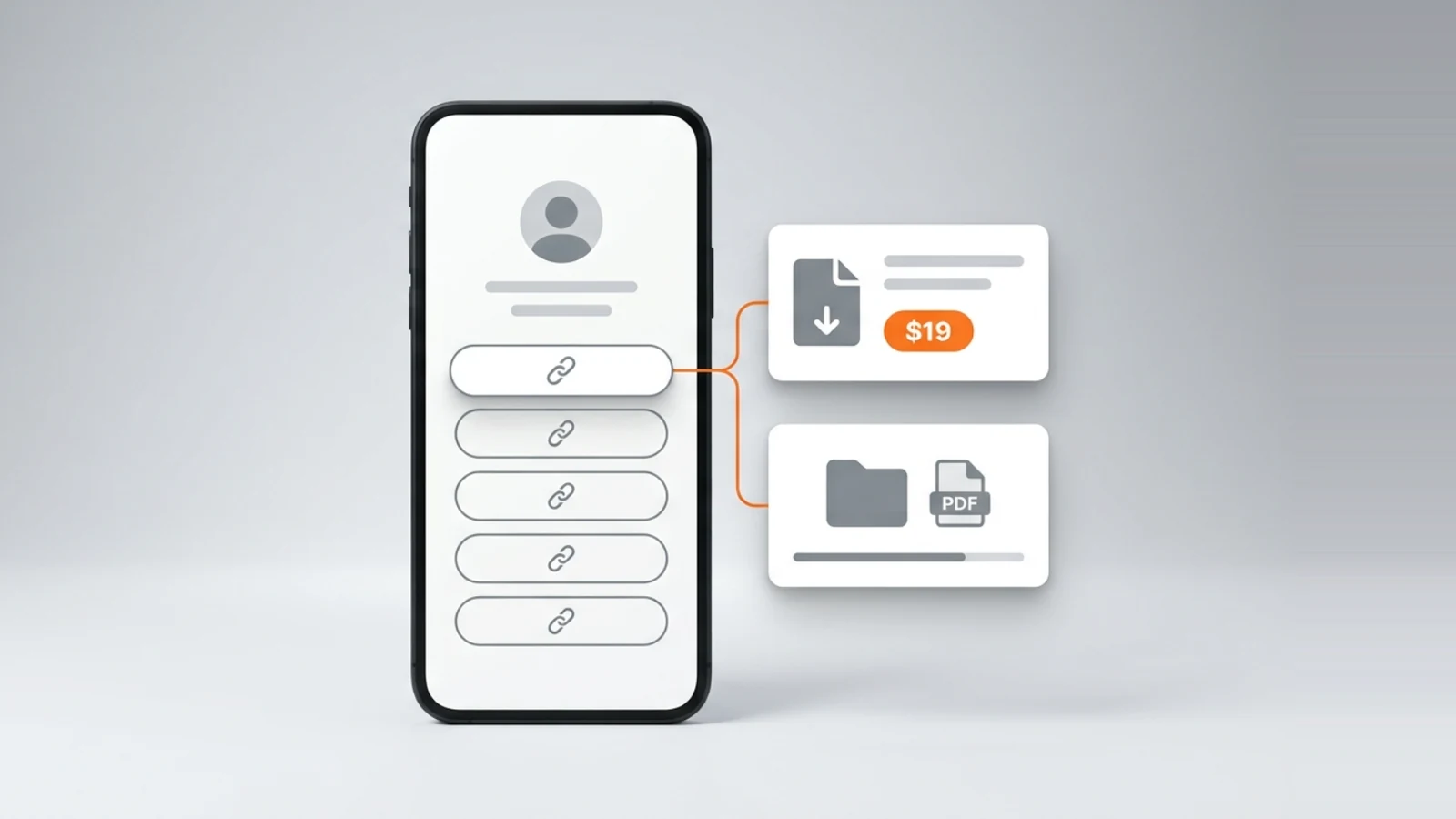
To sell digital products online you need three things: a file people want, a page where they can pay for it, and an account that receives the money. On a link in bio page all three sit behind the one address in your Instagram or TikTok profile, so the shop is the page your followers already open. This guide walks through the whole path on Onlink, where the free plan sells digital products at 10% a sale with no subscription, and every number below comes from the Onlink pricing page or from the product itself.
The short version: make the file, add a digital product card to your page with a price and the file attached, connect your Stripe account, and share the page address. A buyer pays from the page, receives an email with an access link, and keeps the file in a library they can open any time while the product is on your page, and for 30 days after you delete it; the money is paid into your own Stripe account, and Onlink takes 10% on Free, 7% on Pro and 0% on Premium at the moment of payment.
What is a digital product?
A digital product is something you make once and sell as a file or as access, with nothing to ship: an e-book, a template, a preset, a spreadsheet, a course. Stripe's own guide, read on 6 September 2026, defines the business as one that "creates and sells products that exist only in digital form", and lists the kinds in demand: online courses, "E-books: Especially on niche topics or how-to guides", "Templates: Website themes, social media templates, or résumé designs", stock assets, fonts and graphics, digital art and "Budgeting spreadsheets: Ready-to-use financial planning templates", per Stripe's guide to starting a digital product business.
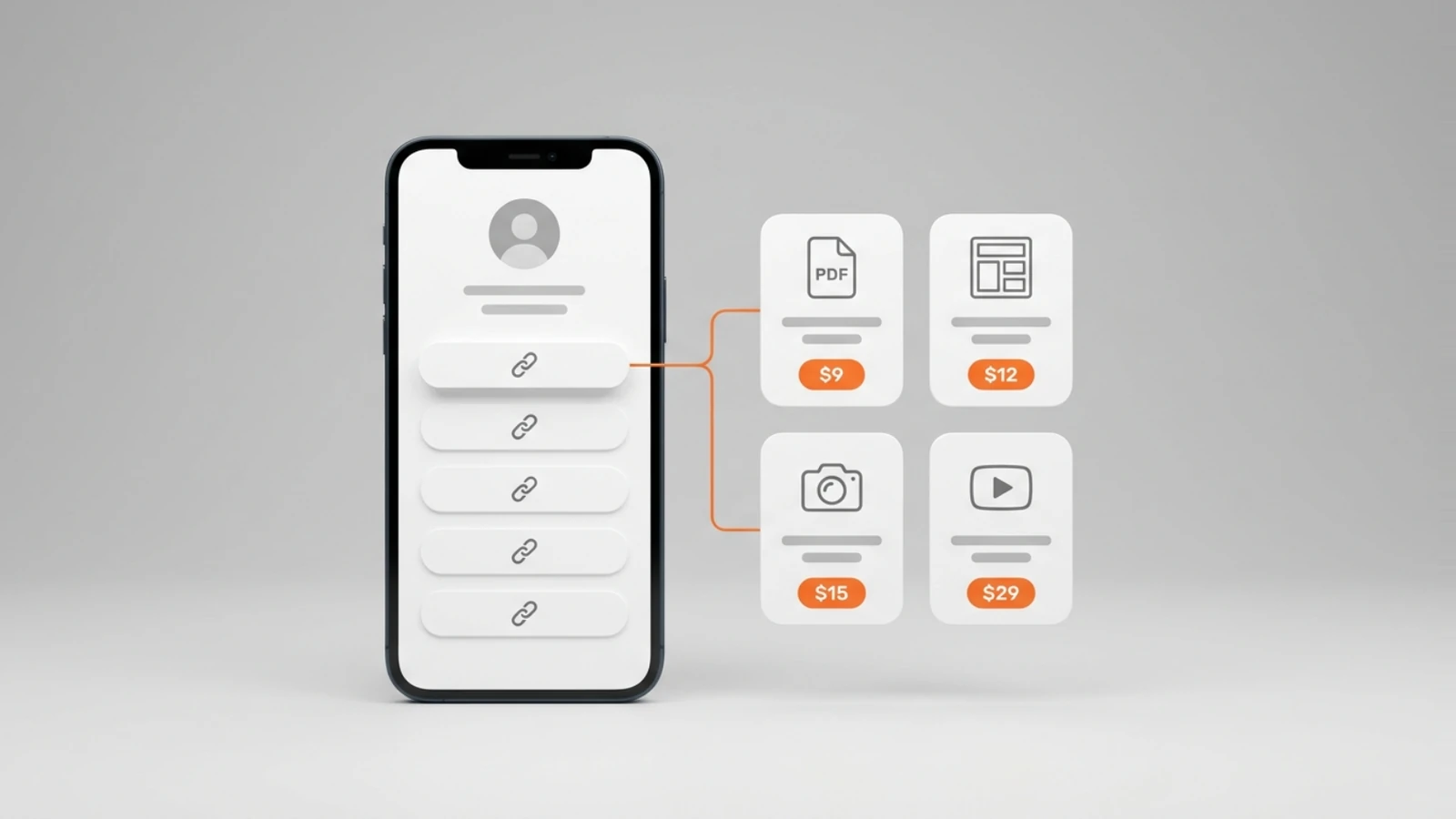
On Onlink a digital product is a card on your page. The card holds a title, a cover image of up to 5 MB, a price, and up to 3 files of up to 50 MB each, in any format except the file types that can run or carry a script, which are refused at upload: programs, scripts, macro-enabled Office files, HTML and SVG among them. A course, with lessons and hosted video, is its own card; a free file given in exchange for an email is a lead magnet card; this guide is about the paid file.
What do you need before you can sell a digital product?
You need the file, a page, and a Stripe account, in that order. On Onlink the page is free and needs no credit card: pick a handle and the page exists at on.link/yourname; the Stripe account is the one thing you connect before a paid card can be bought, and the editor asks for it whenever you add a paid card, pointing you to the Stripe row in your profile, where Stripe's onboarding starts.
- The file: a PDF, a ZIP, a spreadsheet, a preset, an image pack, whatever your buyer opens. Up to 3 files per product, 50 MB each, inside the 10 GB of media the free plan includes (20 GB on Pro, 50 GB on Premium).
- The page: your Onlink page, which already holds your photos, videos, links and notes, so the product sits next to the work that sells it rather than on a separate store.
- The Stripe account: every sale is paid into it directly, through Stripe Connect, and Stripe's own identity checks apply when you open it. Onlink never holds the money, so there is no balance on Onlink and nothing to withdraw.
- A price in one of 6 currencies: USD, EUR, GBP, BRL, AUD, CAD, with up to two decimals.
How do you sell digital products from your link in bio, step by step?
Add a digital product card to your page, attach the file, set the price, connect Stripe, and put the page address in your profiles. From the first visitor on, the page takes the payment and delivers the file without you doing anything; the steps below are the whole setup.
- Make the file. Export the finished work as the file the buyer will open: a PDF for a guide or planner, a ZIP for a bundle of templates or presets, the native file for a spreadsheet. Keep the name clean, because the buyer sees it.
- Open your Onlink editor and add a digital product card. Give it a title, upload a cover image (up to 5 MB), write the description, set the price and currency, and attach up to 3 files of up to 50 MB each.
- Connect your own Stripe account when the editor asks for it, from the Stripe row in your profile; Stripe's onboarding takes over from there. Until it is connected, the card shows on the page but cannot be bought.
- Drag the card where you want it. The page is a grid, so the product can sit beside the photo or video that explains it, and the layout for the phone is set separately from the desktop one.
- Put on.link/yourname in the website field of Instagram, TikTok, YouTube and the rest. The buyer taps it, opens the card, pays from the page, and the rest is automatic.
Where the website field is on each platform, and what it accepts, is in our guides to putting a link in an Instagram bio and in a TikTok bio. Nothing to install and no code on any step.
What does it cost to sell digital products online?
On Onlink, nothing until a sale: the free plan has no subscription and no credit card, and a sale costs 10% of the price plus Stripe's processing fee. The paid plans lower the fee, to 7% on Pro and 0% on Premium, and add tools; the table is the whole schedule.
| Per plan | Free | Pro | Premium |
|---|---|---|---|
| Subscription | $0 | $12.50 a month, or $10 a month billed annually | $37.50 a month, or $30 a month billed annually |
| Onlink fee on a sale | 10% | 7% | 0% |
| Stripe's processing fee | Charged by Stripe | Charged by Stripe | Charged by Stripe |
| Media storage | 10 GB | 20 GB | 50 GB |
| On a $20 sale, before Stripe's fee | $18 to you, $2 to Onlink | $18.60 to you | $20 to you |
Stripe's processing fee is set by Stripe for your country and is on Stripe's pricing page; it applies on every plan and on every platform that uses Stripe, so it is not a line where the tools differ. The Onlink fee is taken at the moment of payment, so what reaches your Stripe account is already net of it. A 0% plan is worth its subscription only past a certain volume: Premium at $30 a month billed annually costs the same as the 10% fee on $300 of monthly sales, so below that figure Free costs less and above it Premium does. Nothing is charged until a sale happens, so the arithmetic says to start on Free and move once the sales are there. How the same sale is charged on Gumroad, Payhip, Sellfy, Stan Store and Etsy is in our comparison of platforms to sell digital products.
We built the free plan that way because the first digital product is the test of whether anyone will pay. The part of the product a creator needs to get paid should not sit behind a subscription, so on Onlink the page, every card type and every kind of selling are on Free, and a creator who sells nothing pays nothing. The other decision was the money: a sale is paid into the creator's own Stripe account, and never passes through us.
How does the buyer receive a digital product?
The buyer pays from your page and, on the confirmation screen, gets an access link and an email titled "Your purchase" with the product's name; on the first open the link asks them to set a password, so they can "open your courses and downloads anytime", and then shows the file under Downloads in a library at app.on.link. The purchase is never a single download link that expires.
- The confirmation screen shows the access link and asks the buyer to save it; the same link goes to their email, and they can ask for it to be sent again.
- The library keeps every purchase from every Onlink seller in one place, under Downloads, Courses and Bookings; a download or a booking shows a receipt with the total paid and the date, and every purchase also arrives by email.
- If you delete a product later, buyers keep access for 30 days, with a countdown on the item, before it is removed.
- You get an email too: "You made a sale!" with the amount, and the sale appears in your analytics with revenue on every plan.
Where does the money go, and when?
The money goes into your own Stripe account at the moment the buyer pays, and from there to your bank on Stripe's standard payout schedule for your country. Onlink never holds it; refunds and disputes are handled from your Stripe balance, as on any Stripe account, and the Onlink fee is deducted at payment rather than invoiced later.
That is the difference between a page that takes payment and a store that holds a balance. On Onlink a sale has no cash-out button, no minimum to reach and no waiting inside the product: the Onlink vs Stan Store comparison shows the other model side by side, from Stan's own help pages, read on 6 September 2026.
Is selling digital products profitable?
It can be, and the arithmetic is the answer: you keep the price minus the platform's fee minus Stripe's processing fee, with no cost per copy, because a file is "created once and sold repeatedly without substantial ongoing production costs", as Stripe's guide puts it. We publish no creator earnings, so the only numbers here are the ones you can check.
On Onlink Free a $20 file keeps $18 for you before Stripe's fee, whether it sells once or a hundred times, and the page that sells it costs $0 a month. Stripe's guide lists the reasons the model works, "no manufacturing, inventory, or shipping" among them; what it does not remove is the work of making something people want and telling them about it, which is why the page holds your photos and video next to the product.
What digital products can you sell as a beginner?
Start with the ones you can finish this week and fit in a file: a PDF guide or checklist, a planner, a set of templates, a preset pack, a spreadsheet. Stripe's guide, read on 6 September 2026, says the products worth selling "solve problems, save time, or offer value to people’s digital lives", and many of the items on its list, e-books, templates, stock assets, fonts, graphics and budgeting spreadsheets among them, are files you can attach to a card.
Eleven of them, with the file each one needs and how it reaches the buyer, are in our list of digital products to sell from a link in bio. The five below are the ones a first product usually is.
- A guide, checklist or planner as a PDF: the question your followers ask most, answered once.
- Templates: Canva or Notion templates, spreadsheets, resume and social media layouts, delivered as the file or as a ZIP of files.
- Presets and assets: photo presets, brushes, fonts, stock photos, sound effects, up to 3 files per product.
- A short course: that one is a separate card on Onlink, with lessons and hosted video, on every plan including Free.
- A free file for an email: the lead magnet card, which is one way to find the buyers for the paid one.
Do you need a licence or a company to sell digital products?
That depends on where you live and how much you sell, and it is a question for your local tax office or an accountant, not for a link in bio page. What Onlink asks for is a Stripe account, and Stripe verifies who you are when you open one, under its own rules for your country; taxes on what you earn are yours to handle, as they would be on any platform.
Frequently asked questions
Can I sell digital products online for free?
Yes. Onlink's free plan sells digital products with no subscription and no credit card; the only charge is 10% of each sale, plus Stripe's processing fee, per the Onlink pricing page.
How do I sell a PDF or an e-book online?
Export it as a PDF, add a digital product card to your Onlink page with the PDF attached and a price, connect your Stripe account, and share on.link/yourname. The buyer pays from the page and opens the PDF from the access link in their email or from their library at app.on.link.
What file types and sizes can a digital product be?
Up to 3 files of up to 50 MB each, in any format except the file types that can run or carry a script, which are refused at upload: programs, scripts, macro-enabled Office files, HTML and SVG among them. PDFs, ZIPs, spreadsheets, JPG and PNG images, audio and native design files all work.
Which currencies can I price a digital product in?
USD, EUR, GBP, BRL, AUD, CAD. The price is set on the card, and the sale settles in your own Stripe account.
How do I sell digital products on Instagram or TikTok?
Put your Onlink page address in the profile's website field and point to it from posts and videos; the buyer pays from the page, not on Instagram or TikTok. The exact steps for each profile are in our guides for Instagram and TikTok.
Do I need a website to sell digital products?
No. The Onlink page is the website: it lives at on.link/yourname, holds your photos, video and links next to the product, and adapts to the phone on its own. It does not offer a custom domain, so the address is always on.link/yourname.
What happens to buyers if I delete a product?
They keep access for 30 days, with a countdown shown on the item in their library, and the file is removed after that. Everything else they bought stays where it was.
Ethan writes the Onlink selling guides: what a product card holds, what a sale costs on each plan and how the buyer receives it, checked against the product code and Stripe's own pages.